Last summer or was it two summers ago??? I convinced a peer to take an online learning adventure, School Library Learning 2.0 (SLL2) with me. It was offered (and still is) by the California School Library Association and is modified from Learning 2.0's 23 Things.
I believe that I first learned about this online course, PLE2, through twitter. It was originally offered in February and March 2008, however, the course was setup with self-directed learning modules and supportive websites of the Web 2.0 tools that the course included. There are six modules altogether.
The first module includes general resources about Web 2.0 and various tools that can be used with pictures. SLL2 covered Flickr, Flickr mashups, and 3rd party sites. PLE2 includes tools that I didn't remember using so I tried them all.
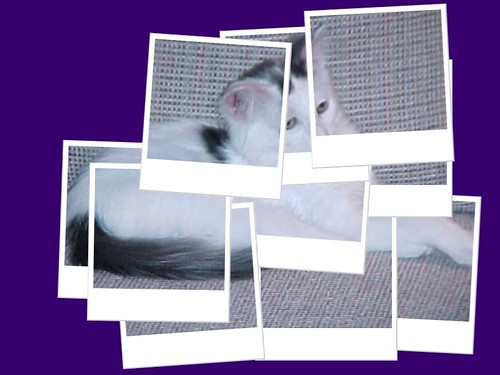
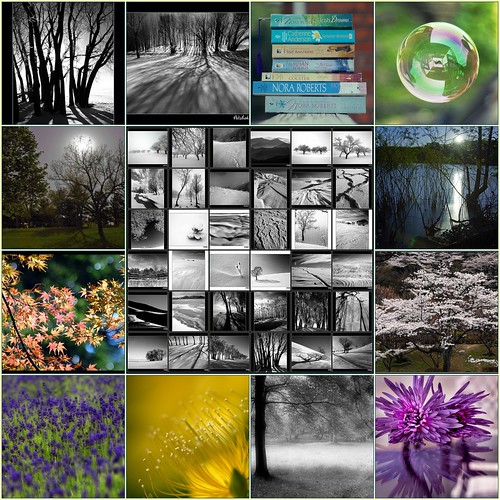
 The home of fd's Flickr Toys includes toys, games, and utilities which allow you to mashup digital pictures. I had already used several toys so I tried a couple of others: Hockneyizer and Mosaic Maker. Here's a link to my Hockneyized pic and a mosaic I created with a few of my favorite Flickr pics. Big Huge Labs works well with my Flickr photos and you can upload from your machine, Photobucket or URL.
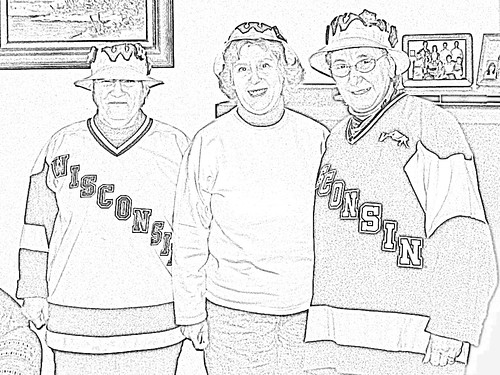
Dumpr offers a couple of photo effects similar to BigHugeLabs, but many that are completely different. Here's a sketch I created from one of my photos. I didn't register for the site, though, I had to authorize access to my Flickr photos. You can also upload from Picassa, MySpace, Zooomr, or URL.

"makes your photos fabulous with easy to use yet powerful editing tools. Tweak to your heart’s content, then get creative with oodles of effects, fonts, shapes, and frames. It's fast, easy, and fun."And it really is!!! Picnik is going to be a favorite of mine. It's so easy to edit and doctor a photo. You don't have to register, just start using it.
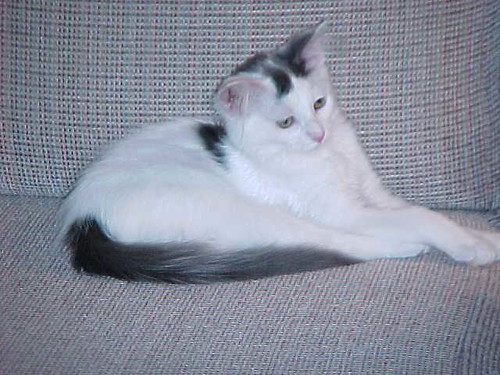
 Here are the original and the edited photos.
 This collection consists of thousands of images that have been donated by students, teachers, and amateur photographers for educational use.
dumpr
big huge labs
picnik
image generators